Volt 1.3
Volt 1.3 adds UI 1.0, Account Manager, Game Explorer, Script Viewer, Save Instance, and the Luau decompiler.
Volt 1.3 adds tools for inspecting games, viewing and decompiling scripts, saving instances, and managing account launches. It also includes executor API updates and UI 1.0.
| Component | Version |
|---|---|
| Module | 1.3.0.0 |
| UI | 1.0.0 |
Executor
This release fixes various executor bugs and introduces new behavior across the runtime and API. Luau LSP types were also updated.
Runtime and API updates
- Fixed issues affecting
hookfunction,oth.hook, RakNet packet hooks, auto-execution, workspace folder creation, and keyboard paste input. - Fixed
setfenvinteractions withsetstackhiddenandothhooks. gethiddenproperty,gethiddenproperties,sethiddenproperty,getproperties,isscriptable,setscriptable, andgetcallbackvaluenow acceptObjectinstead of onlyInstance.getconnectionsnow works with non-scriptable signals.getscriptbytecode,getscriptclosure, andgetscripthashnow support CoreScripts.- Added
raknet.is_enabled(): boolean. - Added
setrbxclipboard(data: any)for copying Studio-compatible data. - Added
saveinstanceandsaveplace.
Internal UI
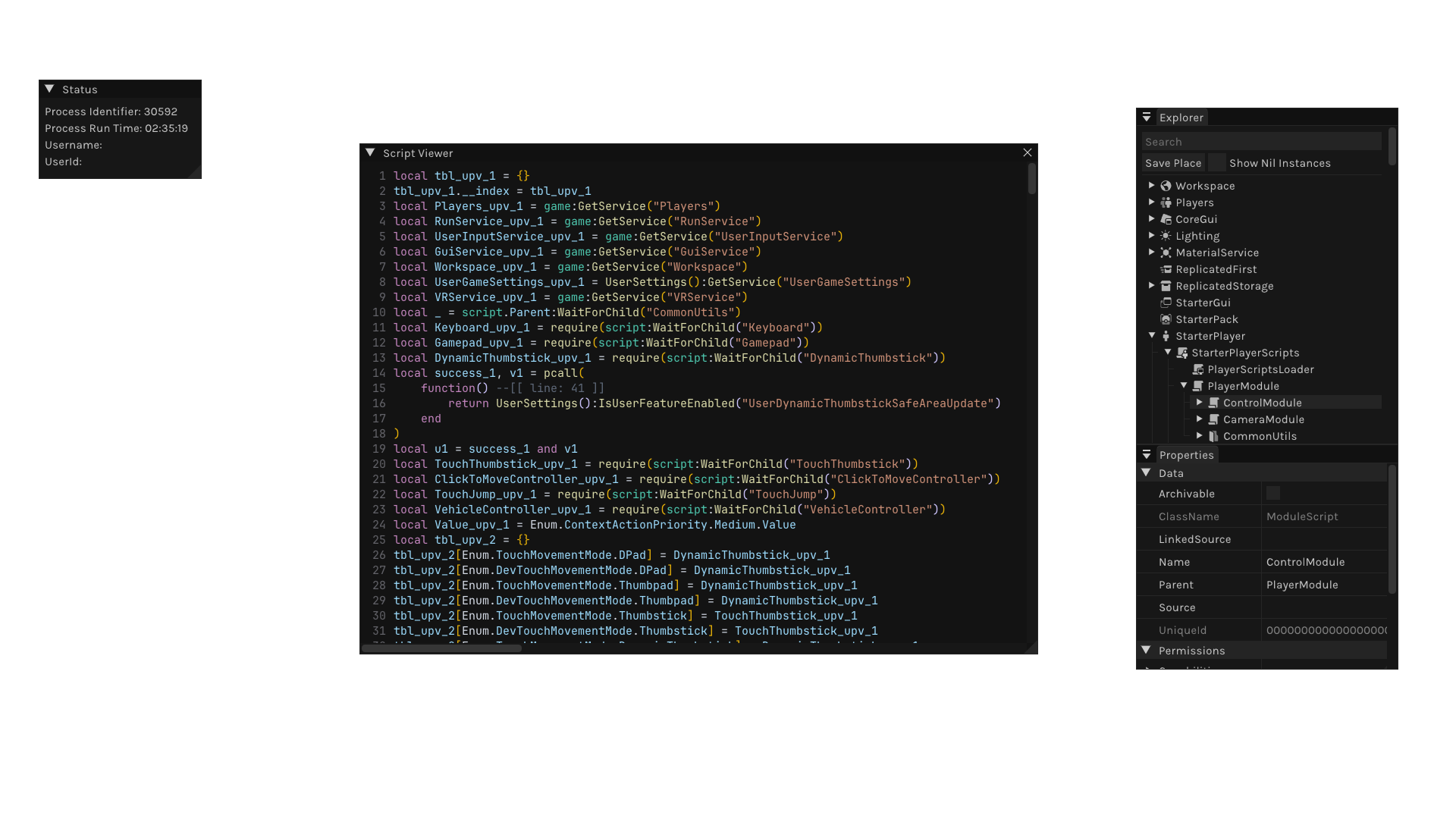
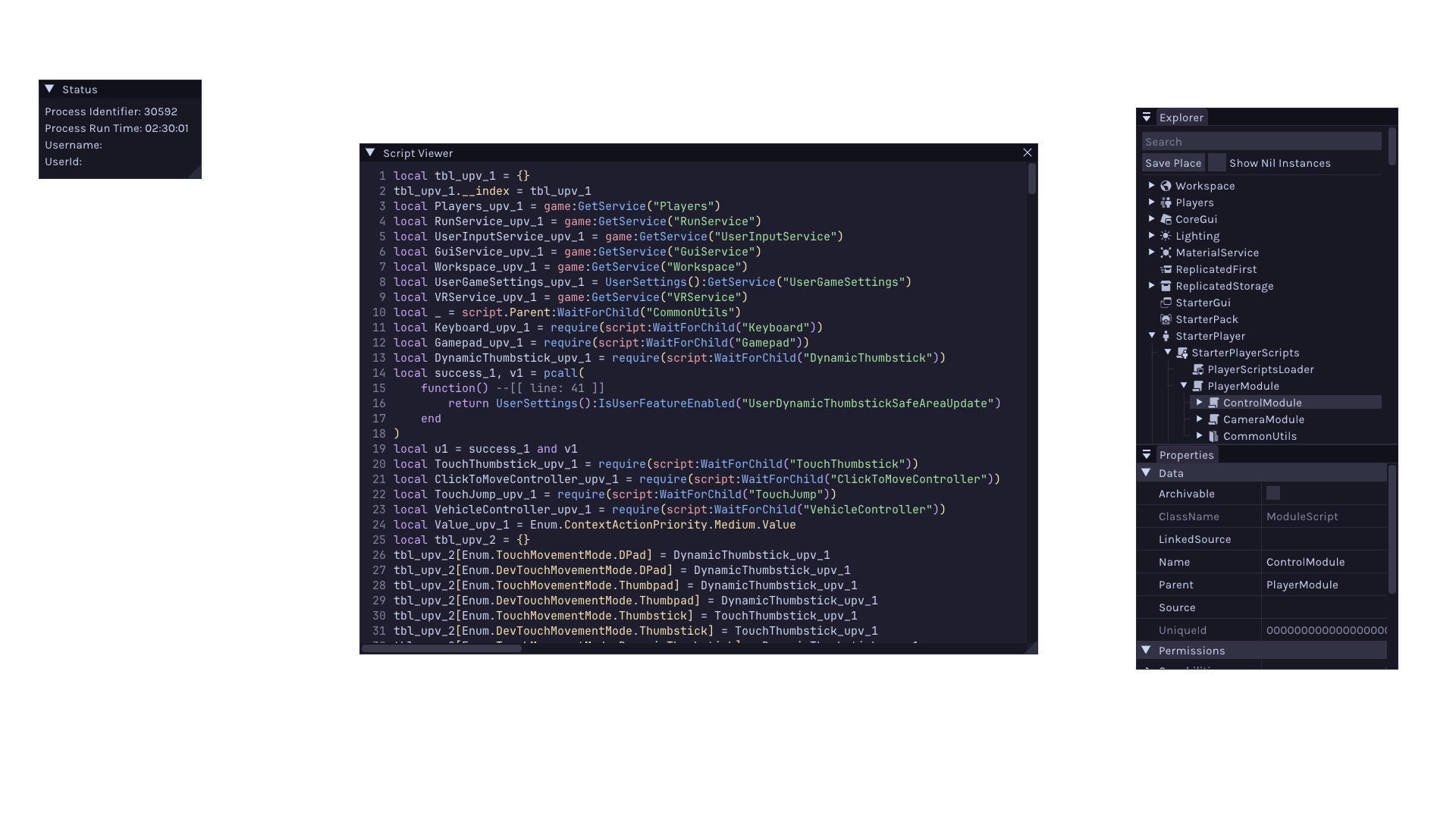
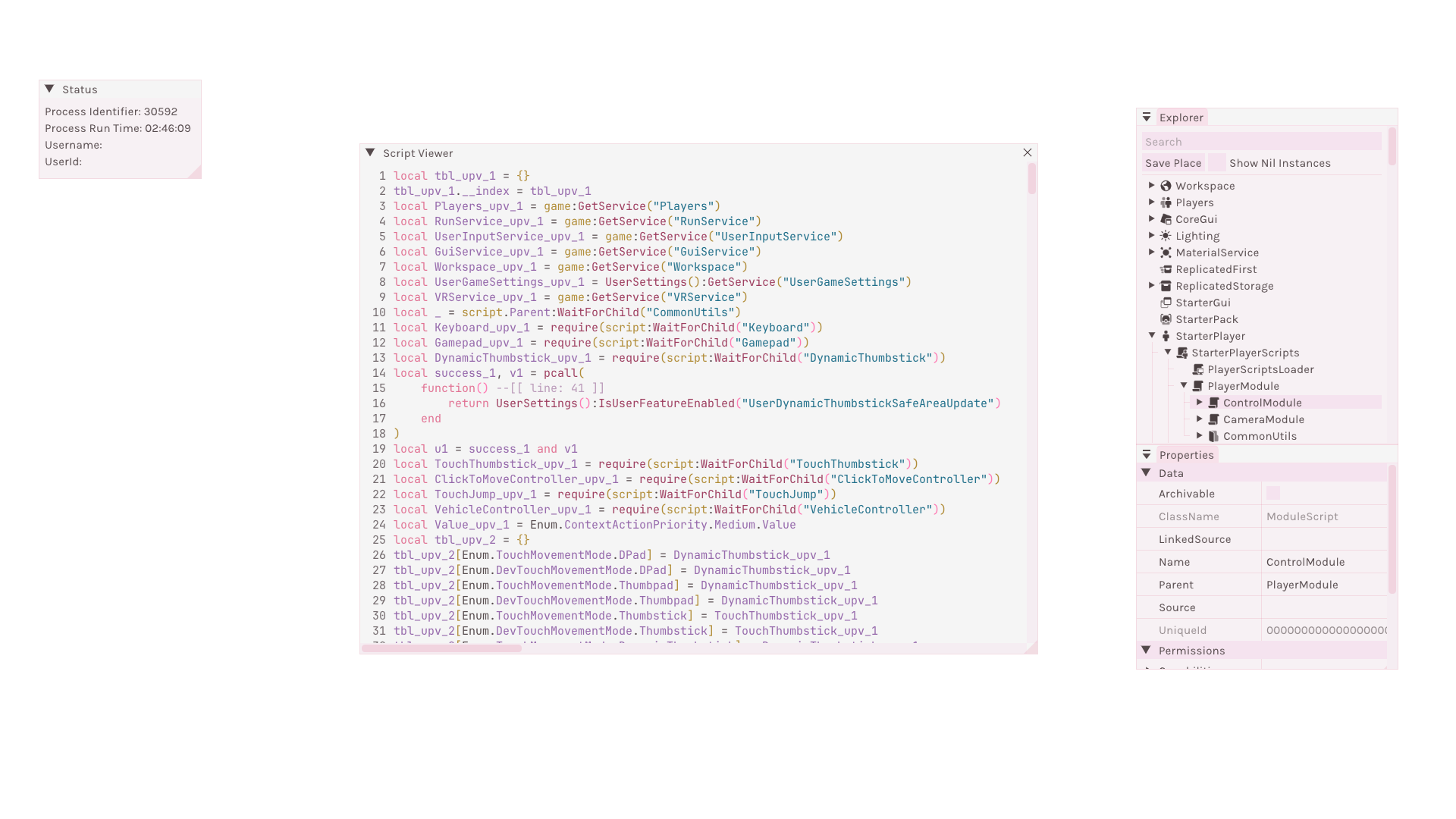
Volt 1.3 adds Game Explorer and Script Viewer to the internal UI. It also uses themes from the desktop interface for consistent styling.
Game Explorer
Game Explorer shows the live game tree and a properties panel for viewing and editing the selected instances.
- Hold
CTRLto select multiple instances. - Use the instance context menu to copy, rename, or paste into an instance.
- Use Copy Path to copy a Luau path for a property.
- Use Copy Name to copy only the property name.
- Use Copy Value to copy the value in Luau format.
- Tags and attributes can be removed from their context menus.
- Save Place displays progress while the place is being written.
Script Viewer
Script Viewer displays decompiled script output with variable renaming, reference navigation, and bracket pair colorization.
- Right-click a variable or press
Xto view its references. - Press
Rto rename the selected variable.
Decompiler
Volt 1.3 introduces a built-in Luau decompiler. decompile
accepts a script or raw Luau bytecode and returns source text.
DecompilerOptionscontrols variable naming, function declarations, guard clauses, conditional structuring, constant folding, scope block insertion, and formatting.DecompilerFormattercontrols indentation, column limit, condition parentheses, semicolons, and function metadata.
The decompiler is still in development, so some bugs are expected. See the Decompiler guide for usage details and current behavior.
Save Instance
saveinstance and
saveplace export instance hierarchies using
the game's binary serialization format. They can run from scripts or from the
internal UI.
Use SaveInstanceOptions
to configure:
- Output file path
- Script decompilation
- Clipboard output
- An
IgnoreListproperty (currently readable, but not assignable from Luau) - Decompiler options
- Player and character filters
- Nil instance filters
- Non-creatable instance filters
Desktop UI 1.0
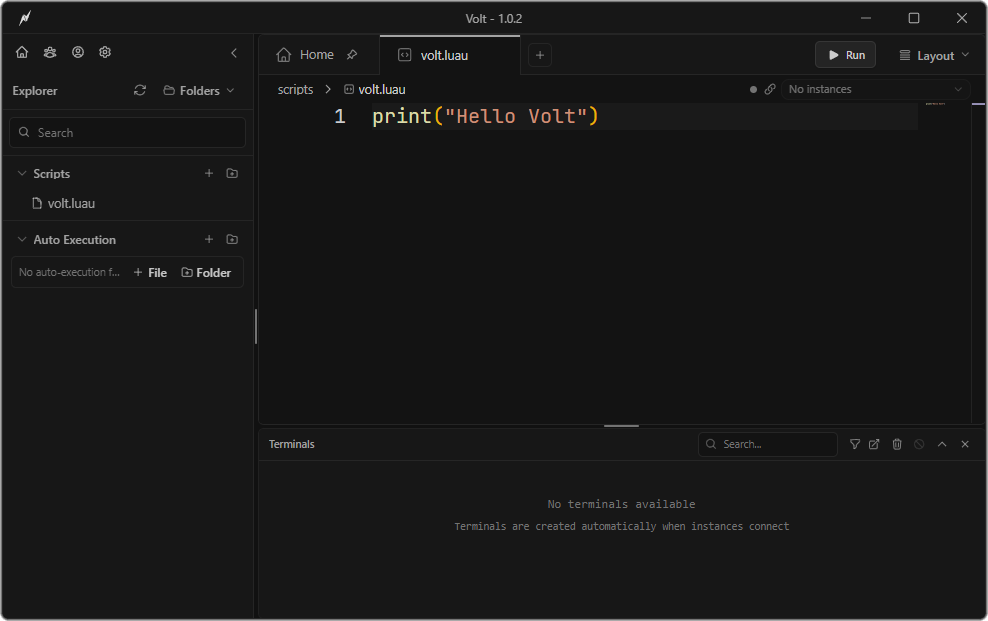
UI 1.0 introduces a redesigned desktop interface with a more compact layout, refreshed branding, updated app icons, and a cleaner default theme.
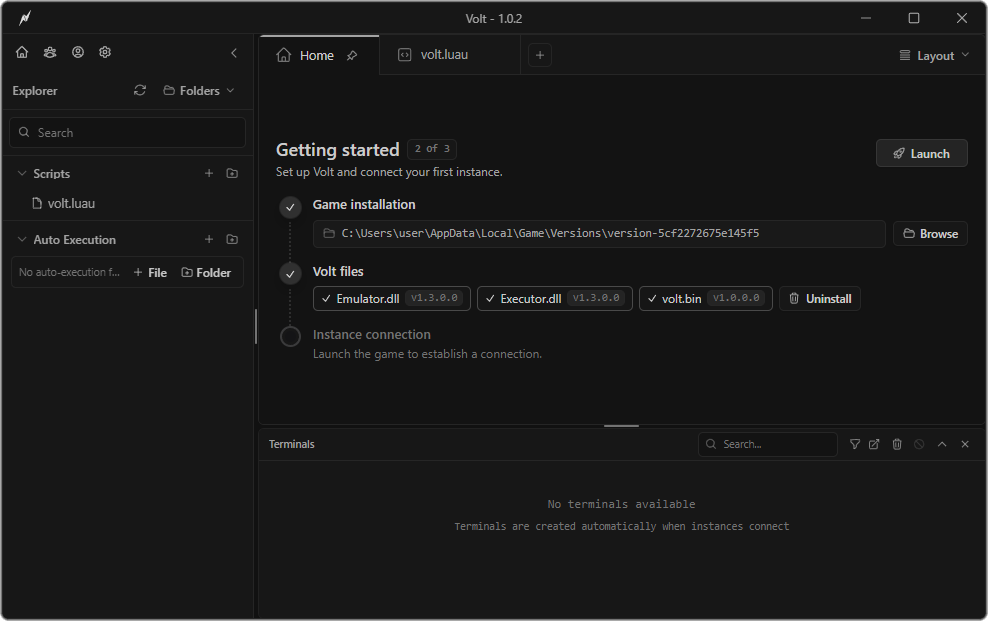
Home and setup view
Editor view
Workspace
- Pinned tabs, with Home pinned by default, and dedicated pinned-tab controls.
- Saved layouts that restore splits, open tabs, pane sizes, sidebar and terminal state, window placement, and unsaved tabs.
- Detachable Terminals, Account Manager, and Theme Editor windows. Terminals include search and filtering, connection status, and topmost mode.
- Instance groups, including an
Allgroup, with support for binding tabs to a group. - A searchable command palette for common actions.
Editor and files
- Editor breadcrumbs with folder and file navigation.
- Separate Scripts and Autoexec trees with search and folder creation.
- Drag-and-drop file organization and support for opening external
.txt,.lua, and.luaufiles. - Installed system font detection and font selection in Settings.
- Dynamic source maps that keep Luau LSP completions and types synchronized with the live game tree.
Setup and settings
- One-click setup from Home, supported game version checks, and prompts to install the required version when needed.
- Background Volt update checks and an API health check during startup.
- Decompiler settings with live output previews and Save Instance default settings.
- Theme schema v3 with expanded customization and theme import and export.
- Windows 7 Aero, Volt Ware, and Voltmillion themes, with updated built-in Monaco styling.
- A Theme Editor with collapsible sections and a responsive color picker, plus a keybind editor for the internal UI.
Account Manager
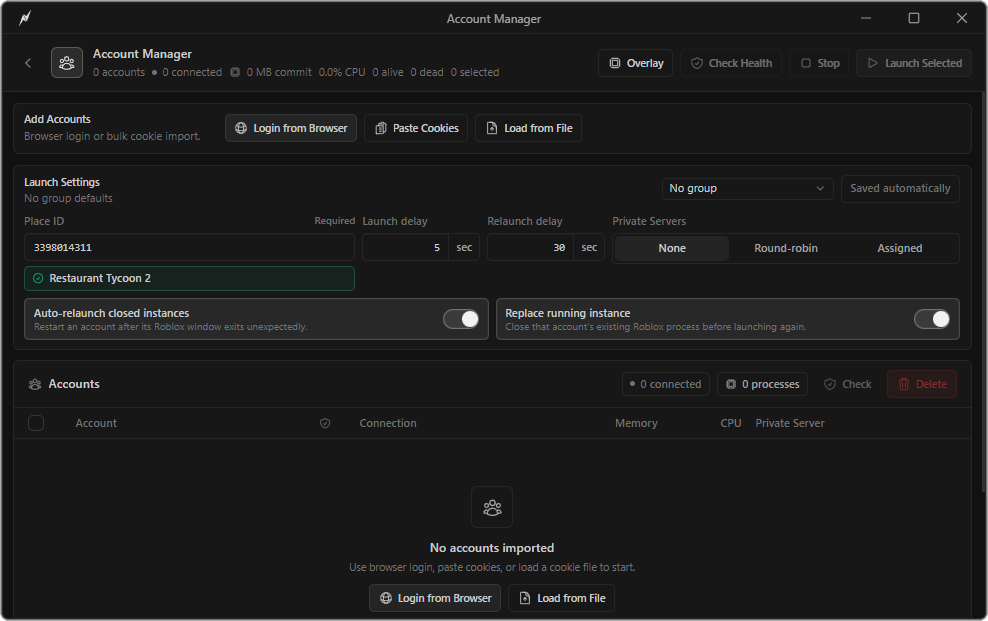
Volt 1.3 introduces Account Manager as a public feature. It stores accounts, launches multiple clients, tracks running instances, and manages private server launches.
Launch settings and account table
Performance overlay
It includes:
- Browser login and bulk cookie import, with protected cookie storage and cookie health checks.
- Multi-account launching with launch delays, stop controls, connection tracking, and Place ID validation.
- Private server launching with none, round-robin, and assigned server modes.
- Automatic relaunching for closed instances, with relaunch countdowns.
- Per-account and total CPU and memory usage.
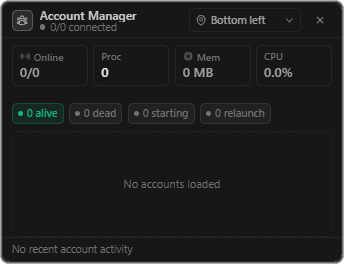
- A configurable performance overlay showing account status, process count, CPU and memory usage, and relaunch state.
- Memory Guard with automatic and fixed committed-memory limits.
- Autosaved launch and private server settings.